Access denied for WordPress admin login?
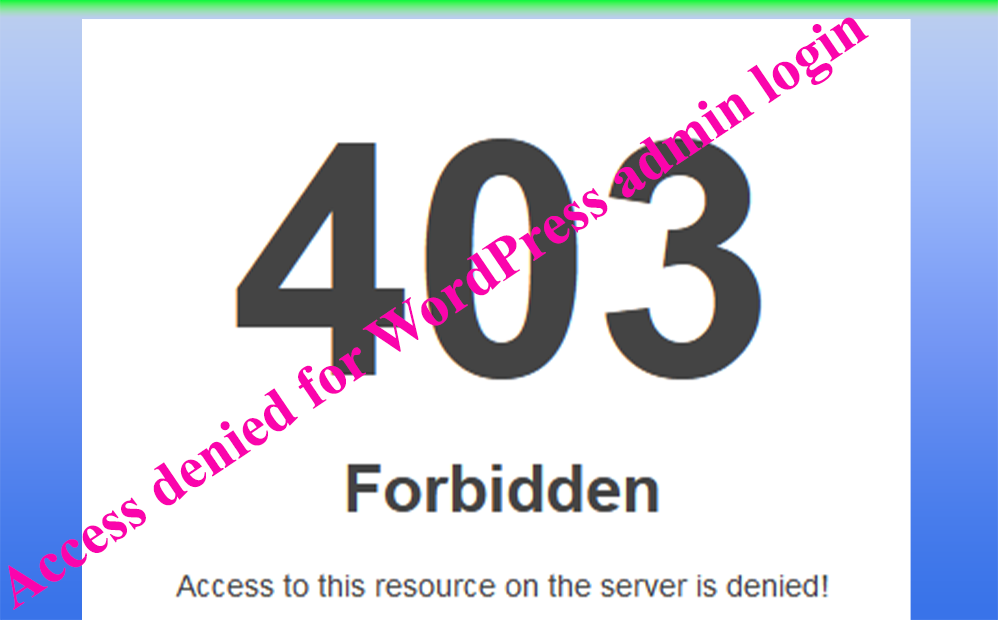
Before a week, I face the problem of access denied while I’m trying to login into my word press admin panel. The word press shows me 403 forbidden dialog boxes after entering username and password. At the first time, I frustrate due to this message. But know it is normal. There are a lot of reason for the occurrence of WordPress 403 forbidden message.
Some of these reasons are
- The installation of new plugin
- When .htaccess file found at the root directory of your website is malfunctioned.
- When there is more than one admin account.
- When you add some features on your website after login such as menus, anchor links or another features
Solutions
- Installation of new plugin
The only solution is uninstalling the installed plugin, refresh your website and login again.
2. There is more than one admin account
Allow both admin user for all privileges.
3. Adding new features after login
Clear all cache on your browser, restart the browser.
I faced with the two problems such as multi admin user and new feature. I solve these problems as follows.
Access denied due to more than one admin user.
follow the following steps to solve this type problem.
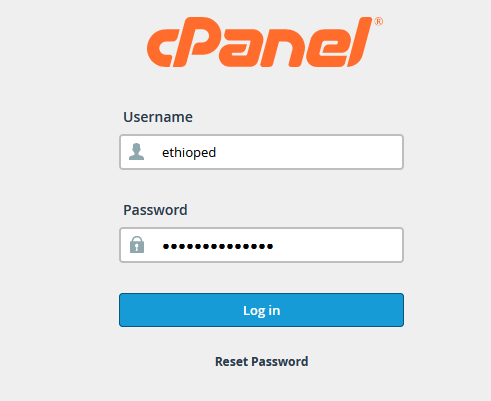
- Login into your Cpanel
2. After login you will get the following screen. Click on the file manager. The fil manager will redirect you to your website root directory.
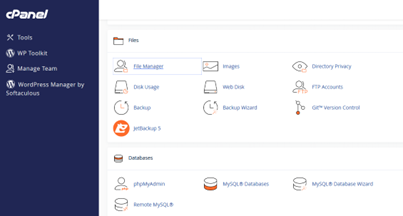
For example. My website root directory is inf.ethioptec.com.
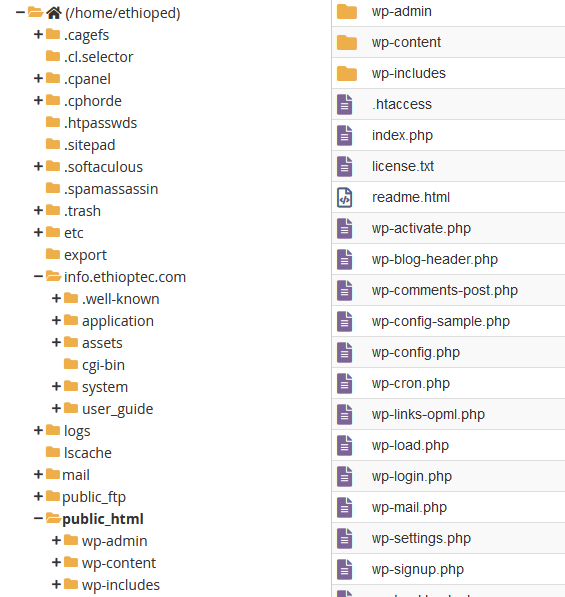
3. When the above screen is appeared, write click on the Wp admin directory. This will redirect you to the following screen.
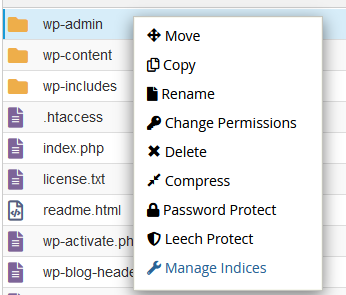
4. Click on manage permissions. The following screen will be display. Then check the check box of write permission under group column.
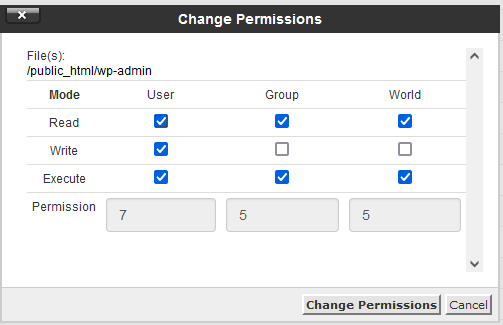
Refresh your WordPress admin page (https://yourwebsite/wp-admin) and login again. It will be fine.
Problems due to new features of website
If you add new feature after login into your WordPress home page, clear the cached data. When you login into your website, the browser saves all sessions and cookies. Hence, the browser cannot know the newly added features of your website. That is why the WordPress shows forbidden windows.


